Desk comfort
Work From Home Comfort for Long Desk Days
A home office does not need to be complicated to feel better. A few practical upgrades can support focus, posture, and daily comfort when the workday stretches longer than expected.
See Practical Comfort Picks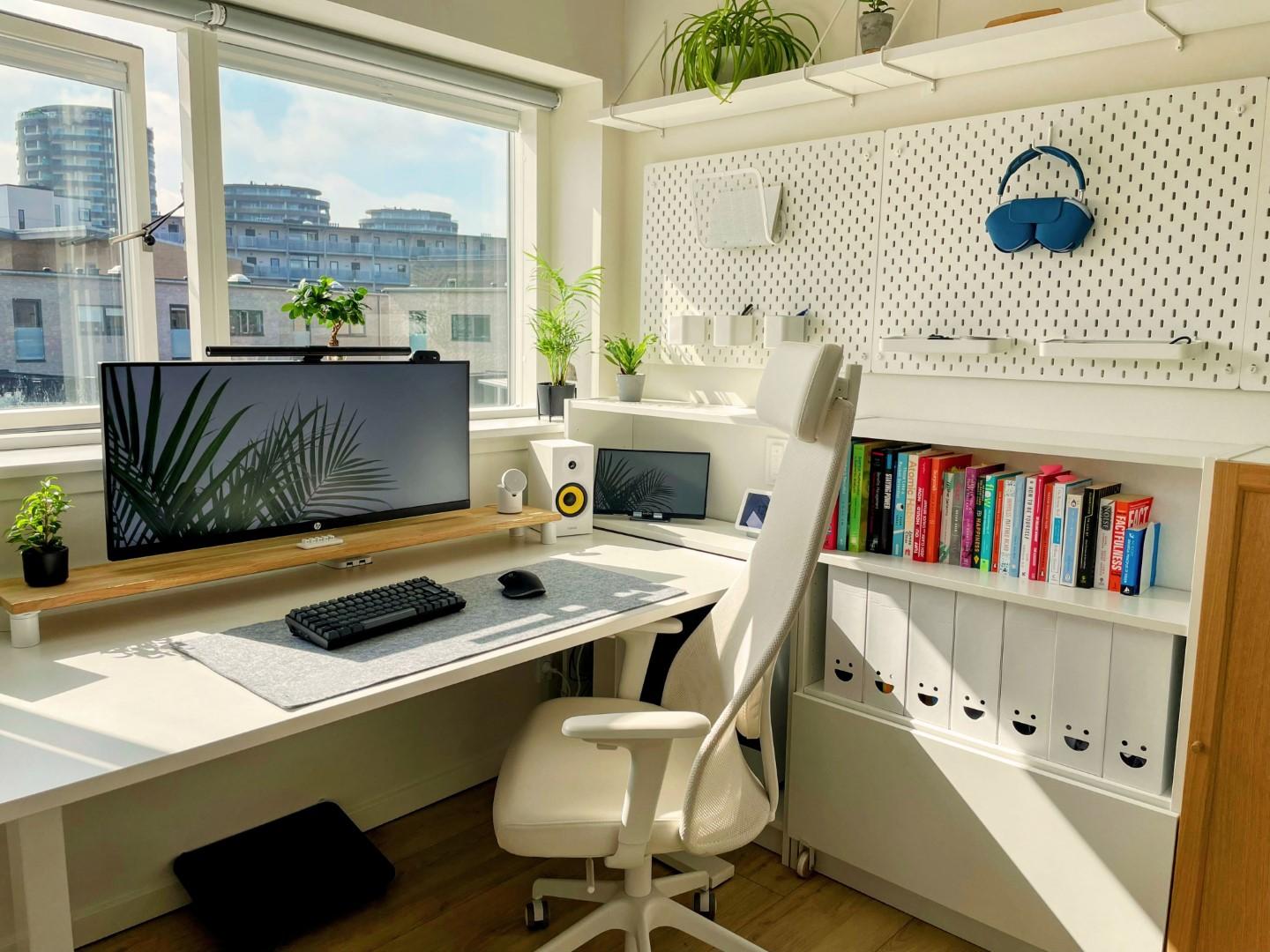
The everyday problem
The home desk becomes uncomfortable when small details stack up
A low laptop, unsupported feet, poor lighting, or a chair that does not fit the body can make the day feel heavier. Simple changes can help the setup feel more stable and easier to return to each morning.
Helpful checklist
Before buying anything, check the routine first
Small comfort upgrades work best when they match the way someone actually sits, works, rests, and moves through the day.
- Raise screens so the neck is not constantly angled downward.
- Use lighting that reduces squinting and makes late work less tiring.
- Consider a foot rest, chair cushion, or supportive seat if your legs or back feel unsettled.
- Keep frequently used items close enough to avoid constant reaching.
- Pick desk products that fit your actual room size, not an ideal showroom setup.
Product direction
Comfort products worth considering
These are not medical recommendations. They are practical product categories that may support comfort, reduce everyday friction, and make daily routines easier. Always check current product details, reviews, sizing, and return policies before buying.
Home office
Laptop stands and monitor support
Small desk upgrades that can make screen height and workspace flow feel more comfortable.
Support
Foot rests and chair comfort
Worth considering if long sitting leaves the lower body or back feeling worn down.
Planning
Desk organization tools
Useful for keeping the work surface calmer and easier to reset at the end of the day.
Keep exploring
Related TechRelaxCare guides
Use these pages to move from a problem to a practical buying direction without jumping straight into random product lists.
FAQ
Common questions
Are these medical recommendations?
No. TechRelaxCare is a buying-guide website. For severe, unusual, or ongoing discomfort, it is best to speak with a qualified professional.
Can comfort products help right away?
Some products may help a routine feel easier, but results depend on the person, setup, and product quality. Check current reviews and details before buying.
What should I look at before buying?
Consider size, materials, power source, ease of storage, safety notes, warranty, and whether the product fits your daily routine.
Why link to essentials pages?
The essentials pages group practical picks by real household routines, which makes it easier to compare product ideas in context.
Next step
Build a calmer home office setup
Start with the part of the desk day that bothers you most: screen height, seating, lighting, foot support, or clutter. One good upgrade is often more useful than a full redesign.
See Work Setup Picks Browse All Guides